> ## Documentation Index
> Fetch the complete documentation index at: https://documentation.litmuscheck.com/llms.txt
> Use this file to discover all available pages before exploring further.
# Logs & Traces
> Inspect run logs, traces, and artifacts for troubleshooting
## Viewing run logs
### Suite run logs
All suite runs—manual, scheduled, or external—are logged.
1. Go to the suite.
2. Click the **Logs** tab.
3. Select a run to see a summary of its tests.
 ### Test run logs
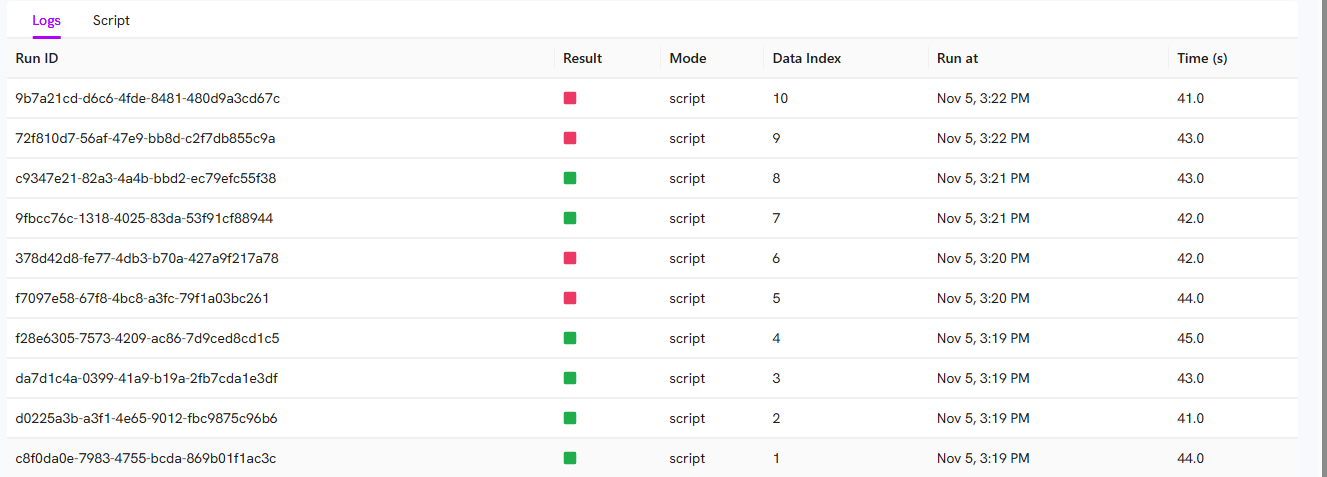
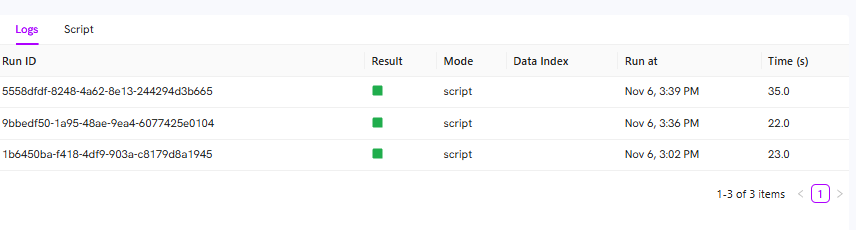
All test runs are logged, whether run individually or as part of a suite.
1. Go to the test.
2. Click the **Logs** tab for a run history.
### Test run logs
All test runs are logged, whether run individually or as part of a suite.
1. Go to the test.
2. Click the **Logs** tab for a run history.
 ### Debugging and run proofs
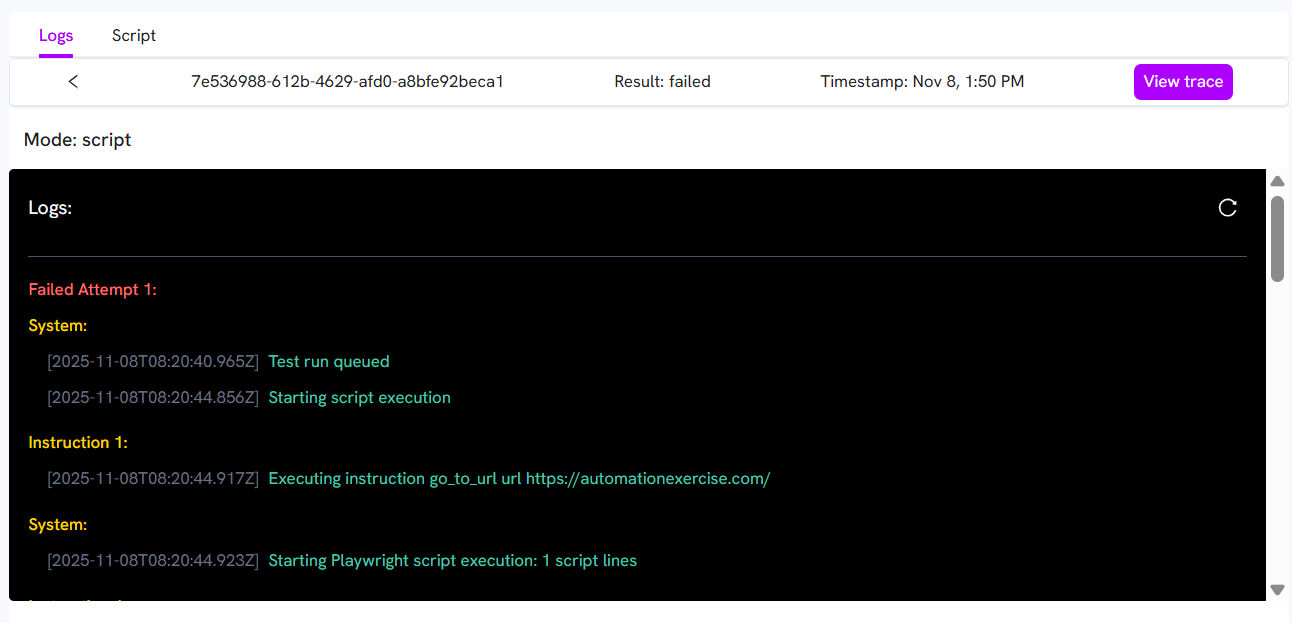 * View warnings and errors in the logs.
* See a GIF of each step.
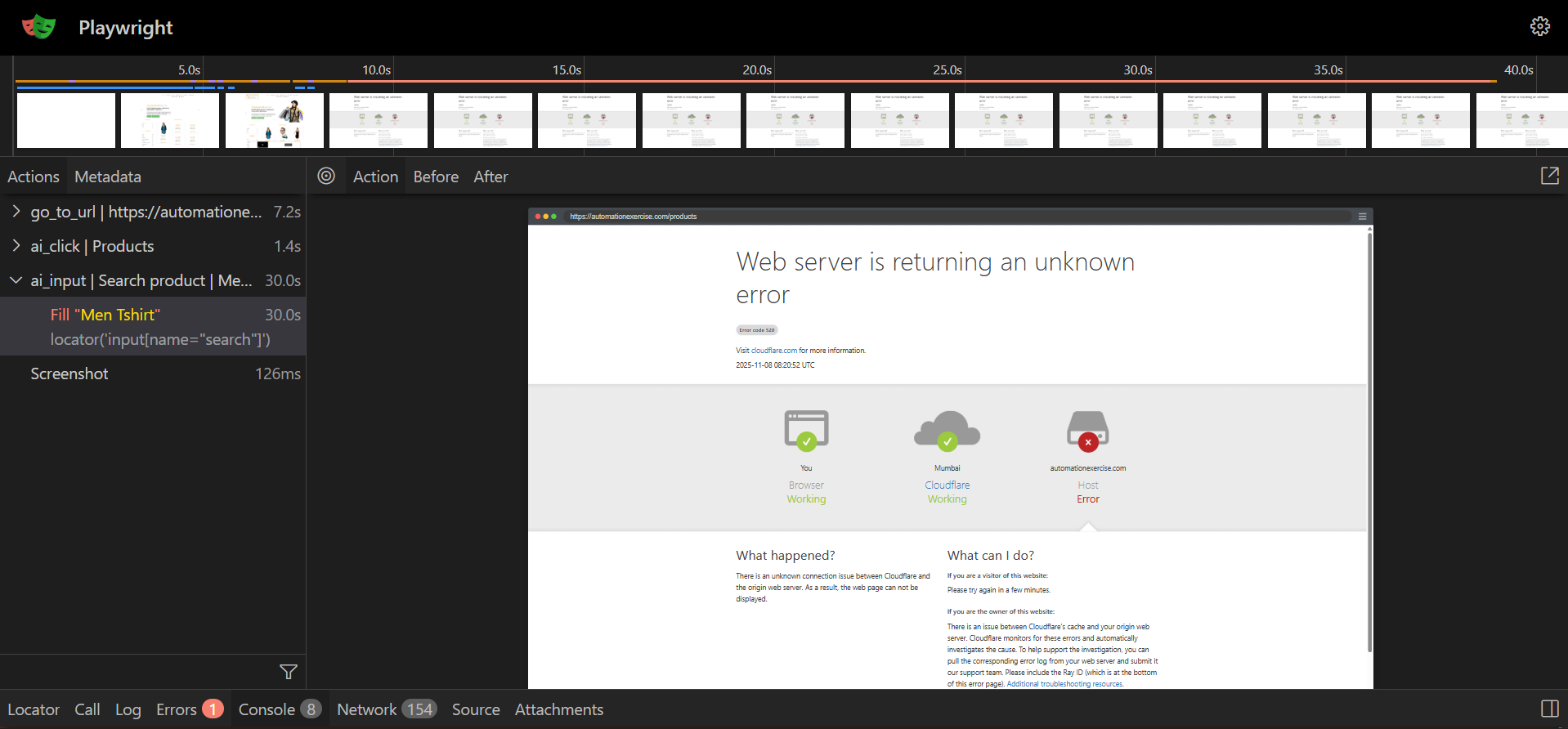
* Click **View Trace** for console logs, network logs, and timestamped screenshots.
* View warnings and errors in the logs.
* See a GIF of each step.
* Click **View Trace** for console logs, network logs, and timestamped screenshots.