> ## Documentation Index
> Fetch the complete documentation index at: https://documentation.litmuscheck.com/llms.txt
> Use this file to discover all available pages before exploring further.
# Reports
> View execution reports, failures, and performance insights
### Suite run reports
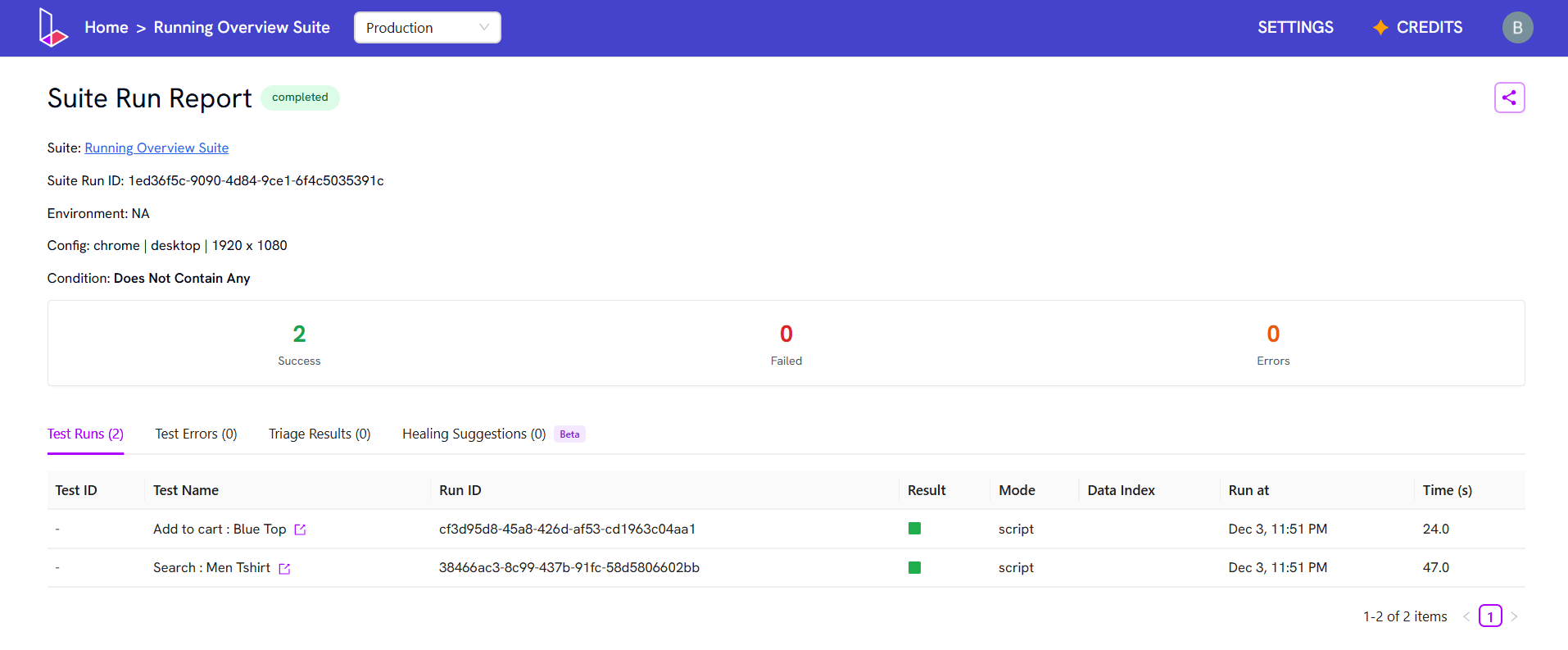
All suite runs—manual, scheduled, or external—are logged.
 1. Go to the suite.
2. Click the **Logs** tab.
3. Select a run to see a report of its tests.
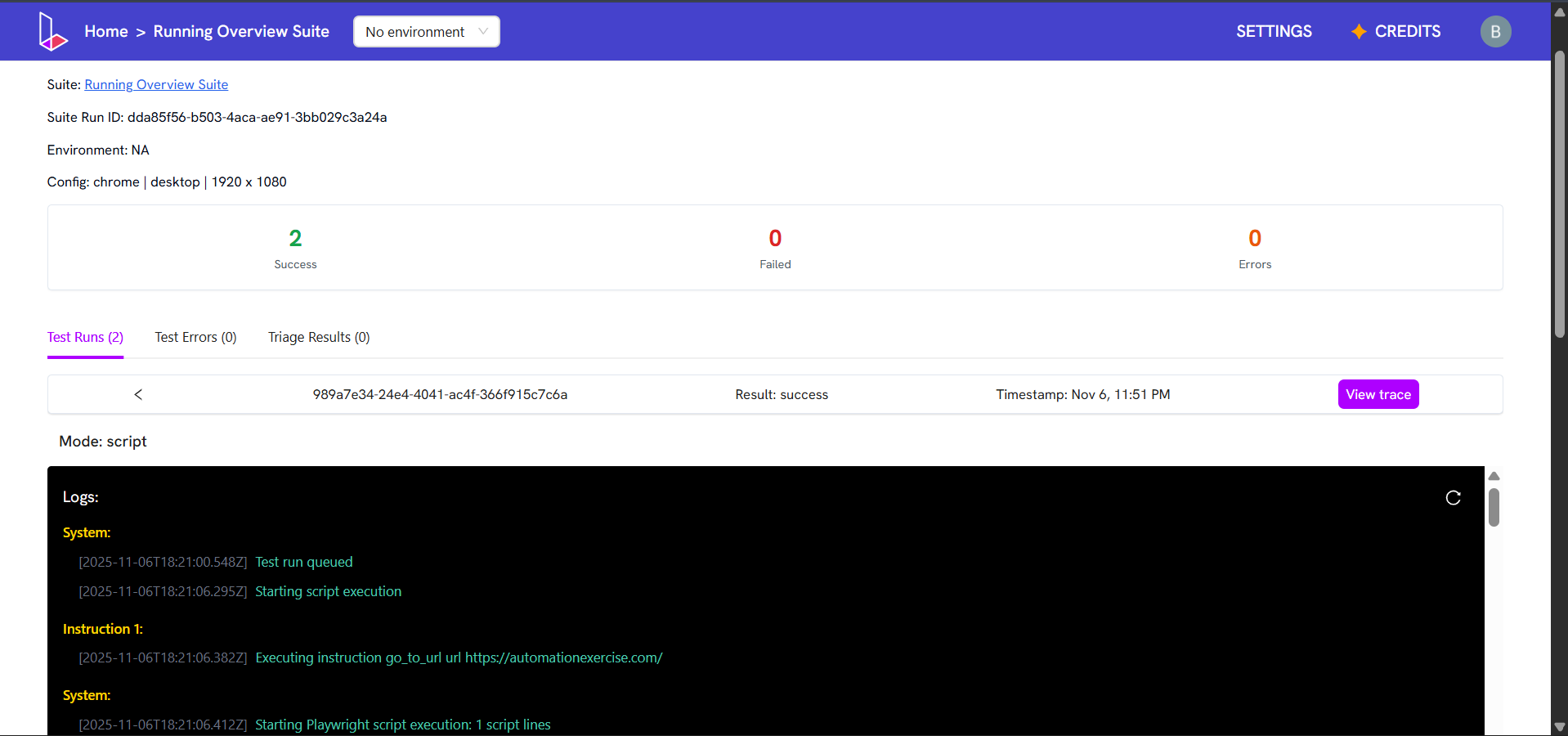
4. Click on any test run to view its logs, GIF, and traces.
1. Go to the suite.
2. Click the **Logs** tab.
3. Select a run to see a report of its tests.
4. Click on any test run to view its logs, GIF, and traces.