> ## Documentation Index
> Fetch the complete documentation index at: https://documentation.litmuscheck.com/llms.txt
> Use this file to discover all available pages before exploring further.
# Run a test
> A guide to executing individual tests in LitmusCheck
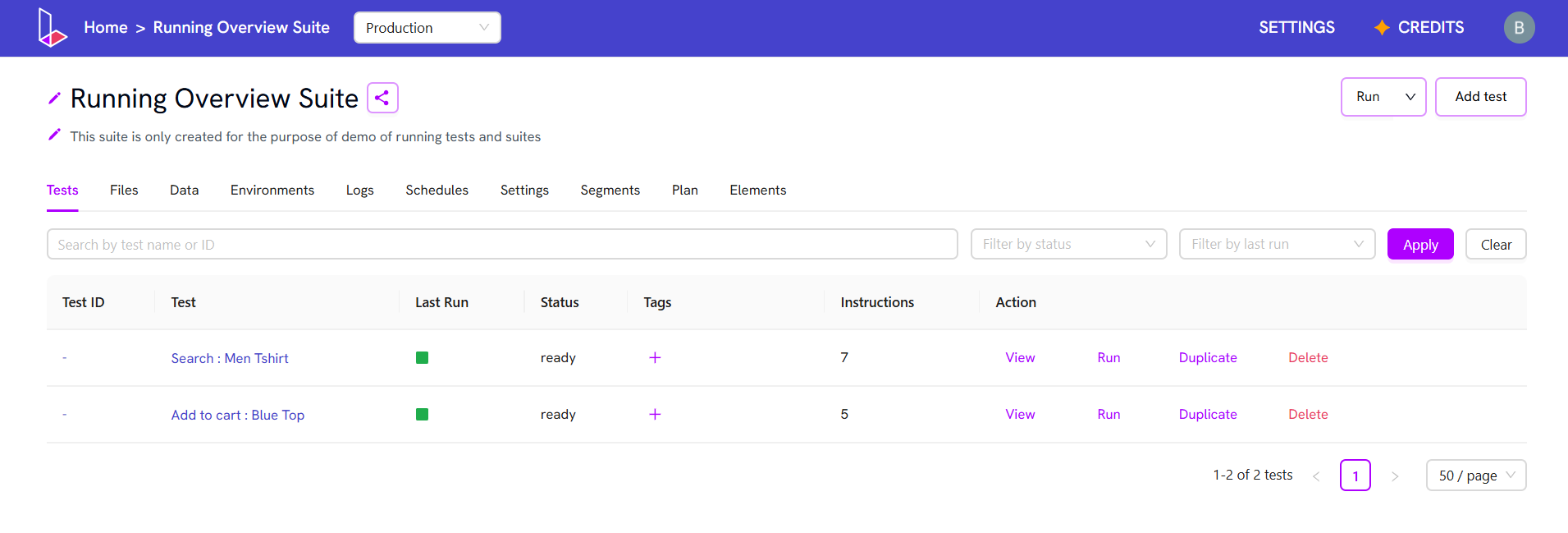
## Running a test from the suite page
1. Open the suite.
2. Locate the test you want to run and click the **Run** button next to its name.
 ## Running a test from the test page (Default Config)
1. Open the suite and open the test.
2. Click **Run**.
## Running a test from the test page (Default Config)
1. Open the suite and open the test.
2. Click **Run**.
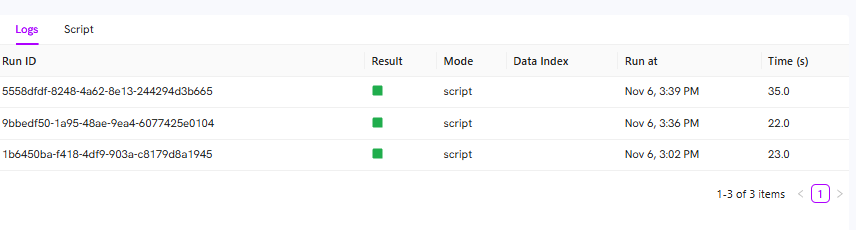 ## Running a test from the test page (Advance Config)
Use this option to customize how the test runs by selecting specific configuration and environment settings.
1. Open the suite and open the test.
2. Click the dropdown arrow next to **Run**.
3. Click **Choose config**.
4. Choose your desired **Test run configuration** and **Environment** options.
5. Click **Run Test**
## Running a test from the test page (Advance Config)
Use this option to customize how the test runs by selecting specific configuration and environment settings.
1. Open the suite and open the test.
2. Click the dropdown arrow next to **Run**.
3. Click **Choose config**.
4. Choose your desired **Test run configuration** and **Environment** options.
5. Click **Run Test**